Best CRM for Freelancers in 2026: Free & Low-Cost Options
Enterprise sales tools like Salesforce are toxic for independent operators. We tested lightweight, zero-cost, and affordable CRMs built specifically for solo pipelines, deal tracking, and timely client follow-ups.
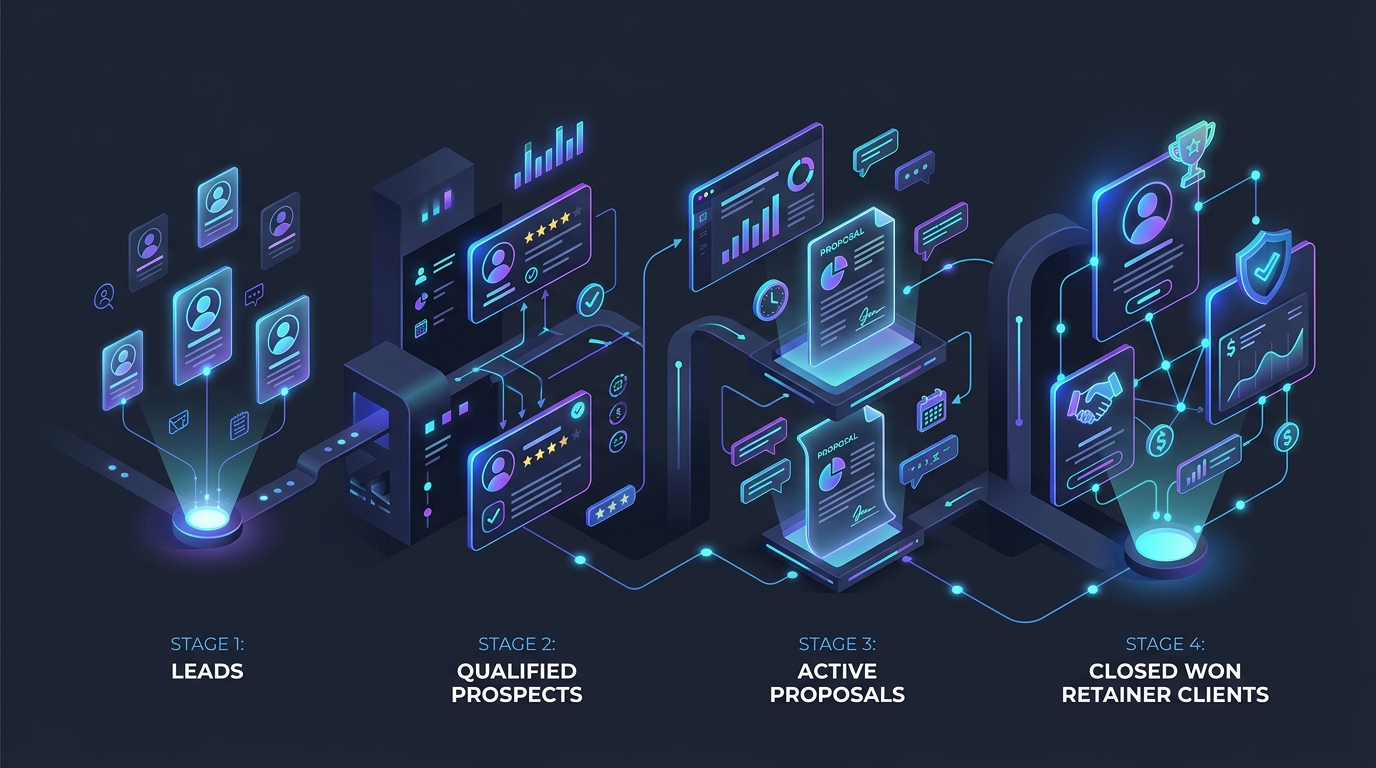
TABLE OF CONTENTS (24 SECTIONS)TAP TO EXPAND
- The Solo Sales Pipeline: Why Spreadsheets Leak Revenue
- Quick Comparison: Best Free & Low-Cost Freelancer CRMs
- When a Freelancer Does NOT Need a CRM
- 1. HubSpot CRM Free: The Most Capable Zero-Cost Sales Engine
- What the Free Plan Includes
- Why Freelancers Love HubSpot Free
- Key Limitations
- 2. Bigin by Zoho: The Best Dedicated Low-Cost Pipeline ($7/month)
- What Bigin Offers
- Why Freelancers Love Bigin
- Key Limitations
- 3. Folk: The Modern Relationship Workspace for Visual Creatives
- What Folk Offers
- Why Freelancers Love Folk
- Key Limitations
- 4. Capsule CRM: Best for Simple Relationship & Communication History
- What the Free Plan Includes
- Where Capsule Excels for Freelancers
- Key Limitations
- 5. Notion CRM: The Ultimate Zero-Cost Flexible Database
- What It Offers
- Key Limitations
- How to Choose the Right CRM for Your Solo Practice
- Final Recommendation
The Solo Sales Pipeline: Why Spreadsheets Leak Revenue
When you work as an independent professional, you are not just the service provider—you are the entire business development department. You conduct discovery calls, prepare proposals, negotiate rates, deliver the project, and invoice for payment.
In the early stages of freelancing, tracking prospective clients in Apple Notes or Google Sheets feels adequate. You write down a company name, a contact person, and an estimated deal value. But as your inbound inquiries expand, spreadsheet management begins to fail silently:
- You send a $7,500 project proposal and forget to follow up four days later when the lead goes quiet.
- A prospective client reaches out 14 months after an initial discovery call, and you have zero record of what their initial budget constraints or pain points were.
- You lose track of whether a retainer agreement is due for quarterly renegotiation.
In corporate sales environments, companies deploy complex suites like Salesforce or Microsoft Dynamics. For an independent contractor, however, enterprise software is toxic: it demands dozens of mandatory form fields, lead-scoring algorithms, and multi-tier approval chains that waste billable hours.
What a freelancer needs is a lightweight, friction-free CRM (Customer Relationship Management) system designed for solo operations. While our foundational guide to the best CRM software for freelancers surveys the broader CRM category, this guide focuses strictly on zero-cost free plans and ultra-low-cost tools that solo operators can maintain in under five minutes per day.
Quick Comparison: Best Free & Low-Cost Freelancer CRMs
| CRM Platform | Free Plan Limits | Starting Price | Best For | Standout Strength | Key Limitation |
|---|---|---|---|---|---|
| HubSpot CRM Free | Up to 1M contacts, unlimited users | Free ($0 forever) | Solopreneurs needing deep email tracking | Native Gmail/Outlook integration & meeting scheduler | Cluttered menu with enterprise marketing upsells |
| Bigin by Zoho | 500 contacts, 1 pipeline (Free) | $7 / user / mo | Dedicated sales-first solo businesses | Clean drag-and-drop pipeline, excellent mobile app | 500 contact ceiling on free plan |
| Folk | Up to 100 contacts, custom views | $18 / mo (annual) | Visual creators & boutique consultancies | Chrome extension for 1-click LinkedIn lead clipping | Free tier restricted to 100 contacts |
| Capsule CRM | Up to 250 contacts, 50MB storage | Free ($18/mo Starter) | Straightforward relationship history | Chronological contact activity timeline, minimal friction | Basic pipeline reporting on free plan |
| Notion CRM | Unlimited contacts (Solo plan) | Free ($0 custom setup) | Minimalists wanting notes + CRM in one app | Infinite database customizability & linked task boards | No automated email logging or open tracking |
| OnePageCRM | 21-day trial, then paid | $9.95 / user / mo | Action-oriented sales consultants | Next-action stream ensures you never miss a follow-up | No permanent free tier |
When a Freelancer Does NOT Need a CRM
Building an honest software guide requires setting clear boundaries. You do not need a CRM if your business matches any of these three profiles:
- You have 1 to 2 long-term anchor retainers: If 90% of your annual revenue comes from two enterprise retainers that renew annually, running a sales pipeline is meaningless overhead. A simple calendar reminder is all you need.
- You work exclusively through agency subcontracting: If creative agencies feed you steady design or development contracts, you are fulfilling work rather than pitching cold prospects.
- Your active prospect list is under three people: If you only talk to one new potential client every two months, a simple section in your project tracker (such as Trello or Todoist) is significantly faster than configuring CRM software.
However, if you actively pitch new clients, manage multiple simultaneous inquiries, or deliver high-value advisory projects, an automated CRM will reliably pay for itself on your very first closed deal.
1. HubSpot CRM Free: The Most Capable Zero-Cost Sales Engine
HubSpot built a billion-dollar software empire on enterprise marketing automation, but its entry-level HubSpot CRM Free tier is unexpectedly the most powerful zero-cost sales infrastructure available to solo consultants.
What the Free Plan Includes
- Up to 1,000,000 Contacts and Companies: Storing client records and prospect directories is practically limitless.
- Visual Deal Pipeline: Drag-and-drop Kanban board representing deal stages (Discovery Call Scheduled → Proposal Sent → Contract Review → Closed Won).
- Automated Email Tracking: Instantly receive desktop push notifications the second a prospect opens your email or clicks a proposal link.
- Meeting Scheduler: Branded booking link (identical to Calendly) that syncs directly with your Google Calendar or Microsoft 365 calendar.
- Quotes & Invoices: Generate basic PDF quotes directly from the deal record.
Why Freelancers Love HubSpot Free
The email tracking integration is a solo consultant’s secret weapon. Knowing that a prospect just re-opened your proposal three times on a Tuesday afternoon allows you to send a well-timed follow-up email precisely when your project is top-of-mind. When combined with dedicated freelance proposal software, your closing rates improve dramatically.
Key Limitations
- Enterprise Upsell Clutter: HubSpot aggressively pitches its $500+/month Marketing and Operations hubs throughout the navigation bar.
- Learning Curve: The sheer volume of settings, properties, and dashboards can distract solo operators who need a simple pipeline.
2. Bigin by Zoho: The Best Dedicated Low-Cost Pipeline ($7/month)
If HubSpot feels overwhelming, Bigin by Zoho represents the opposite philosophy. Built specifically for small businesses and independent service providers, Bigin strips away enterprise complexity to focus purely on visual pipeline management.
What Bigin Offers
- Pipeline-Centric Architecture: Every screen is designed around moving deals forward through clear milestone stages.
- Two-Way Email Sync & Activity Timelines: Connect your business email to view full conversation history directly on client cards.
- Outstanding Mobile Experience: Award-winning iOS and Android applications that support offline updates, quick call logging, and mobile push notifications.
- Affordable Pricing: While the free plan supports up to 500 contacts, upgrading to the Express plan costs just $7/user/month billed annually—far less than traditional CRMs.
Why Freelancers Love Bigin
Bigin takes less than ten minutes to configure. There are no redundant corporate fields like “territory management” or “quota forecasting.” You create your pipeline stages, import your current contacts, and immediately start tracking your deals.
Key Limitations
- Free Plan Cap: The zero-cost plan is capped at 500 contacts and 1 active deal pipeline.
3. Folk: The Modern Relationship Workspace for Visual Creatives
If you find traditional CRMs sterile and dated, Folk is designed for modern creators, boutique studios, and consultants who view business as personal relationships rather than corporate transactions.
What Folk Offers
- Seamless Social Clipping: The Folk Chrome extension allows you to clip prospective client profiles directly from LinkedIn, Twitter/X, and company websites with a single click.
- Notion-Inspired UI: Clean, responsive table and board views that look and feel like a modern aesthetic workspace.
- Custom Message Variables: Send personalized batch emails with custom fields directly from your connected Gmail or Outlook inbox without third-party email campaign tools.
Why Freelancers Love Folk
Folk understands that freelancers do not just track “leads”—they track mentors, former colleagues, podcast hosts, and subcontracting partners. Its unified address book treats personal networking with the same priority as sales pitches.
Key Limitations
- 100-Contact Free Limit: Folk’s free plan allows only 100 contacts, making it a trial-like tier for growing consultancies before requiring the $18/month paid upgrade.
4. Capsule CRM: Best for Simple Relationship & Communication History
Operating since 2009, Capsule CRM has maintained a loyal following among independent UK, European, and US consultants due to its calm interface and minimal administrative drag.
What the Free Plan Includes
- Up to 250 Contacts: Fully manage up to 250 active client and prospect profiles.
- 50MB Document Storage: Attach project briefs, contracts, and NDA documents directly to client records.
- Simple Sales Pipeline: Track prospective project values and expected close dates.
- Gmail and Outlook Add-Ins: Log client emails and create new tasks directly from your webmail inbox.
Where Capsule Excels for Freelancers
Capsule organizes information chronologically. When you open a client’s profile, you see a tidy timeline of every phone call note, sent email, and milestone achieved over years of collaboration. It provides reliable client memory without any flashy distractions.
Key Limitations
- Strict 250-Contact Ceiling: Growing consulting practices will eventually need to upgrade to the Starter tier ($18/month).
5. Notion CRM: The Ultimate Zero-Cost Flexible Database
For freelancers already managing their deliverables inside Notion, building or importing a custom CRM inside Notion is often the cleanest operational choice.
What It Offers
- 100% Free Forever: Zero contact caps, seat limits, or paywalled pipeline stages for solo users.
- Relational Data Linking: Link a client record in your CRM database directly to their active deliverables, meeting minutes, and revenue forecasts.
- Unified Workspace: Eliminates the need to switch between an external CRM and your project dashboard. Pair your Notion workspace with our guide on building a client onboarding system to automate handoffs.
Key Limitations
- Zero Native Email Automation: Notion cannot automatically detect if a prospect opened an email or clicked a link.
- Manual Data Entry: You must manually copy and paste client notes and emails into the database.
How to Choose the Right CRM for Your Solo Practice
Select your client management software based on your business model:
- Choose HubSpot CRM Free if you send high-ticket proposals ($5k+) and rely heavily on email open tracking, meeting scheduler links, and complete free contact volume.
- Choose Bigin by Zoho if you want an inexpensive ($7/mo), dedicated mobile pipeline app without enterprise bloat.
- Choose Folk if you are a creative consultant who prospects primarily on LinkedIn and wants a modern, design-forward contact network.
- Choose Capsule CRM if you want an uncluttered, chronological timeline of client interactions with zero learning curve.
- Choose Notion CRM if you want all your notes, tasks, client records, and wikis unified in one zero-cost personal database.
Final Recommendation
If you want the maximum sales capability at zero cost, HubSpot CRM Free is an astonishingly generous platform—provided you ignore its marketing upsells. If you prefer a focused, distraction-free tool built purely for solo pipeline tracking, Bigin by Zoho delivers the best overall experience for just $7/month.
Once your deal is closed, transition your new client smoothly into your billing stack. Explore our guide to the best free invoicing software for freelancers to collect your retainer on time.
WHAT WE APPRECIATED (PROS)
- ✓Visual Kanban deal stages that prevent high-value client proposals from stalling
- ✓Automated email open tracking alerts so you follow up at the exact moment of client interest
- ✓Centralized contact records containing past contracts, meeting notes, and communication logs
- ✓Zero-overhead mobile applications for logging client updates from anywhere
DRAWBACKS & FRICTION (CONS)
- ✕Enterprise CRM free tiers often feature aggressive promotional banners for costly marketing upgrades
- ✕Contact volume limits on select free tiers (e.g., Capsule caps at 250 contacts, Folk at 100)
- ✕Requires daily logging hygiene to prevent client databases from becoming stale
Best CRM for Freelancers in 2026: Free & Low-Cost Options Rating Breakdown
Solo consultants, freelance designers, marketing strategists, and independent service providers managing multiple active client pitches and retainer renewals.
HubSpot CRM Free offers the most powerful zero-cost sales infrastructure on the market with 1M contacts and automatic email tracking, though its interface can tempt users into unnecessary complexity. For solo freelancers seeking radical simplicity, Bigin by Zoho provides the best dedicated $7/month pipeline, while Folk and Notion CRM excel for visual relationship tracking.
EVALUATION METRICS
Speed of setup, friction in daily operations, and intuitive mental model for non-enterprise users.
Utility of capabilities without unnecessary enterprise bloat that slows down solo execution.
Return on investment for a single seat, clear billing tiers, and fair feature gates.
Uptime track record, offline resilience, and friction-free portable data export.
Specific suitability for client collaboration, single-seat economics, and lean overhead.
Frequently Asked Questions
When does a solo freelancer genuinely need a dedicated CRM?+
A freelancer needs a dedicated CRM as soon as they manage more than 3 to 5 prospective client conversations simultaneously. When proposals exceed $3,000 to $10,000, forgetting a single follow-up email costs you more revenue than the time required to maintain a simple pipeline.
When should a freelancer NOT use a CRM?+
You do NOT need a CRM if you operate on 1 or 2 long-term, stable retainer clients, find all your work through closed agency subcontracting, or rarely pitch new business. In those cases, a CRM adds unnecessary administrative overhead; a simple task checklist or spreadsheet is completely sufficient.
Which free CRM provides the best email open and click tracking?+
HubSpot CRM Free provides the best automated email integration. Its free browser extension for Gmail and Outlook logs email threads automatically and delivers instant desktop push alerts the second a prospect opens your proposal.
Can I use a free Notion template instead of a dedicated CRM software?+
Yes. Notion CRM templates are completely free, offer infinite database customization, and have zero contact limits. However, Notion cannot automatically log incoming emails, track link clicks, or trigger automated follow-up reminders.

Freelance Tool Guide Team
The editorial team behind Freelance Tool Guide, independently researching and testing software for freelancers and small teams.
More Independent Software Analyses
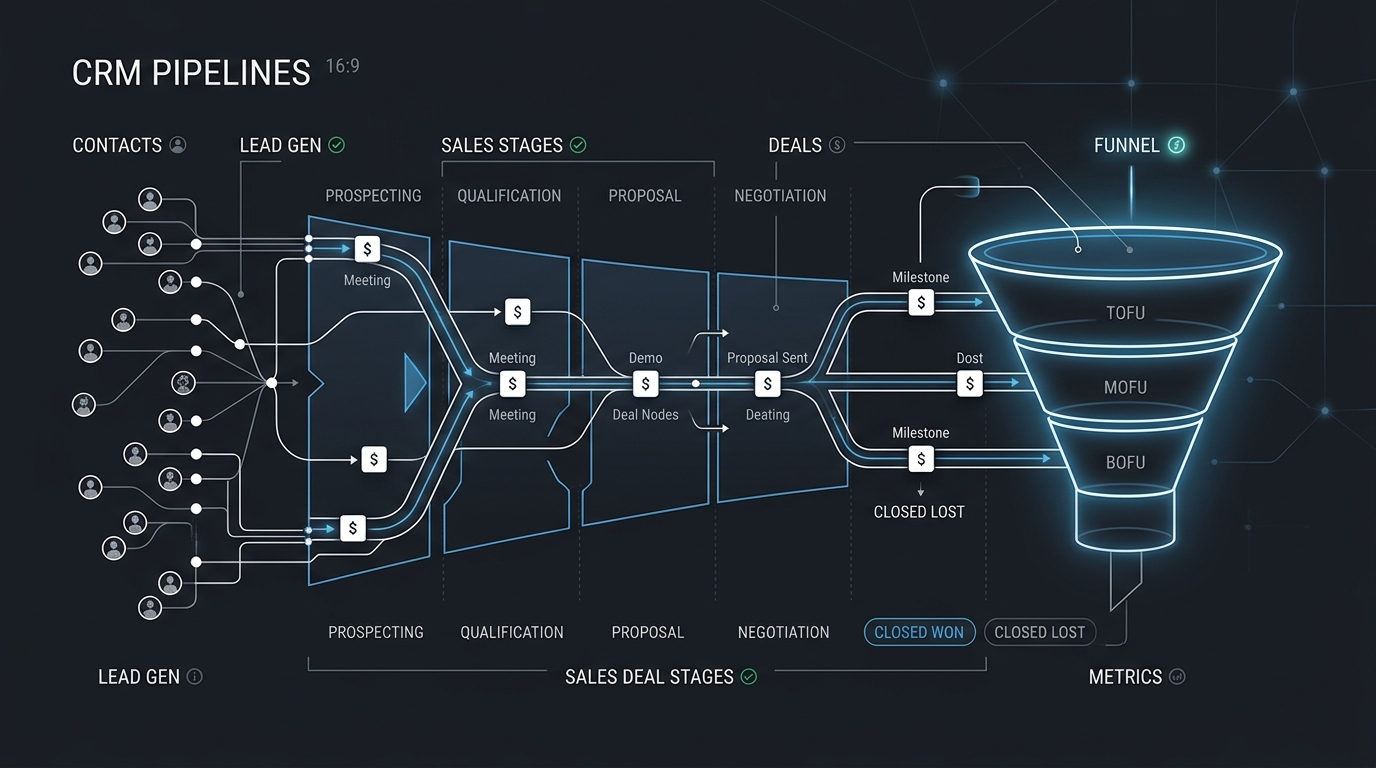
Best CRM Software for Freelancers: Free & Affordable Options
Managing client leads across messy spreadsheets? Discover the best CRM tools for solo consultants and freelancers to track deals, follow-ups, and retainer value.

Best Proposal Software for Freelancers: Free & Paid Options
Win bigger client contracts with less friction. We test the best proposal software and e-signature tools for freelancers, comparing speed, analytics, and templates.
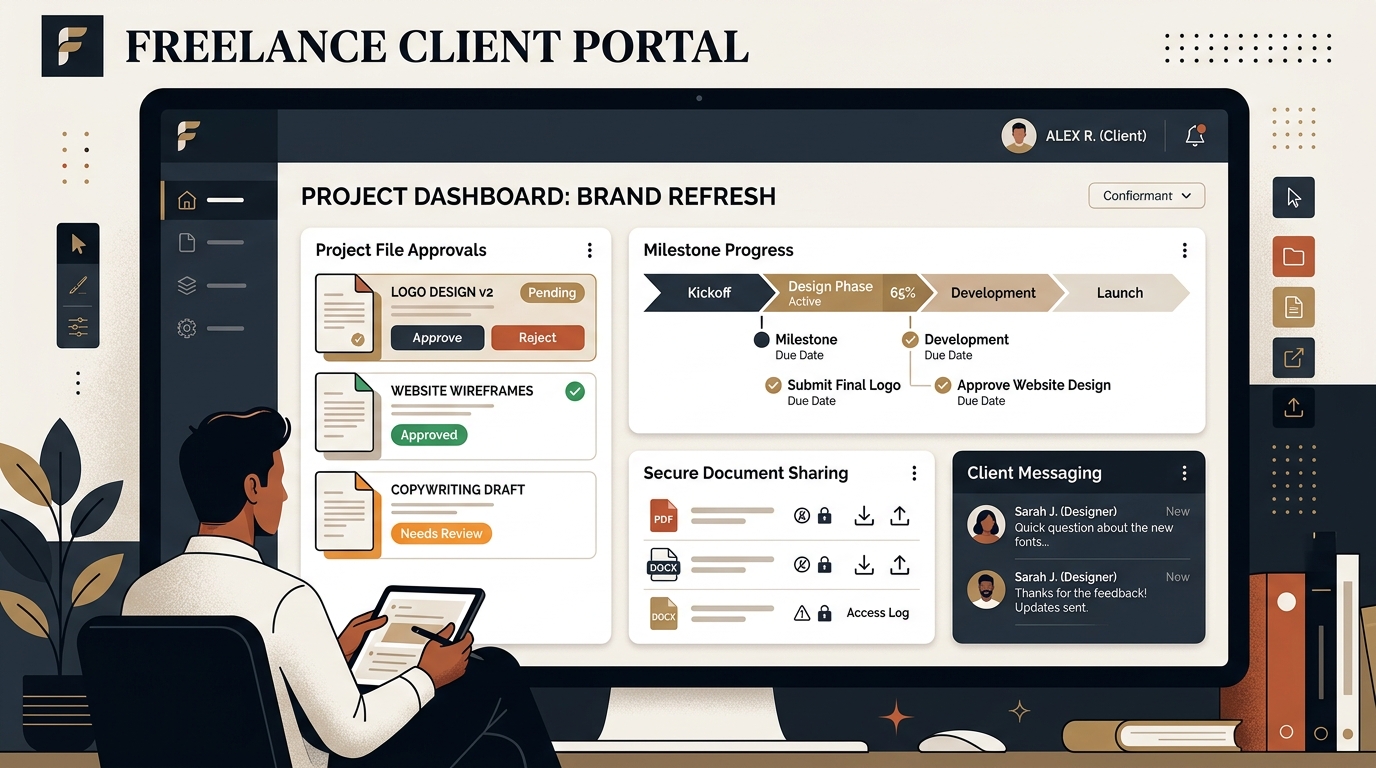
Best Client Portal Software for Freelancers in 2026
Centralize client files, deliverables, messaging, and approvals. We evaluate the best client portal software for solo freelancers and boutique studios.