Best Passwordless Authentication & 2FA Apps for Freelancers in 2026
A password manager protects your credentials—but authentication apps, passkeys, and security keys protect what happens when someone tries to use those credentials. These are not the same thing, and most freelancers only have half the picture.
TABLE OF CONTENTS (28 SECTIONS)TAP TO EXPAND
- Authentication Is Not the Same as Password Management
- The Authentication Hierarchy: Weakest to Strongest
- Understanding TOTP: What It Is and Why It Works
- 1. 2FAS: The Best Standalone TOTP Authenticator
- Why 2FAS Stands Out
- Device Migration
- 2. Authy: Mature, Multi-Device TOTP with Cloud Backup
- Where Authy Excels
- Considerations
- 3. Google Authenticator: Improved But Still Limited
- Historical Limitation
- Current State
- Remaining Trade-offs
- 4. Microsoft Authenticator: Best If You Are Already in the Microsoft Ecosystem
- 5. 1Password as a TOTP Authenticator: Convenient, But Understand the Trade-off
- Passkeys: The Future of Authentication
- How Passkeys Work
- Where Passkeys Work Today
- Hardware Security Keys: The Highest-Security Option
- Why Security Keys Are Phishing-Resistant
- Practical Recommendations for Freelancers
- Recovery Codes: The Most Overlooked Requirement
- Recommended Authentication Architecture for Freelancers
- Frequently Asked Questions
- Is SMS-based 2FA better than no 2FA?
- Can I use the same authenticator app for both personal and client accounts?
- What should I do if a client asks me to use their authenticator app?
- How do I migrate from Google Authenticator to 2FAS?
Authentication Is Not the Same as Password Management
This site already covers the best password managers for freelancers in depth. A password manager solves one problem: storing, generating, and organizing complex, unique passwords for every account.
But a compromised password is not the only way an attacker gains access to your accounts. If your email provider is breached, if a SaaS platform you use suffers a credential leak, or if a client’s account credentials are captured by a phishing site, your password is already exposed—regardless of how strong or unique it was.
Authentication apps, passkeys, and security keys address the problem that password managers cannot: they protect access even when the password itself is already known.
This is a critical distinction for freelancers who:
- Maintain administrator access to client production environments
- Hold credentials for client payment gateways and bank accounts
- Use developer platforms (GitHub, AWS, Vercel, Cloudflare) that are high-value attack targets
- Need to separate personal authentication from client account authentication
The Authentication Hierarchy: Weakest to Strongest
Before evaluating specific apps, it is useful to understand the authentication hierarchy:
| Method | Factor Type | Phishing Resistant | Requires Hardware | Risk Profile |
|---|---|---|---|---|
| Password alone | Knowledge | No | No | High—single point of failure |
| Password + SMS OTP | Knowledge + possession | No | No | Medium—SIM swap attacks possible |
| Password + TOTP app | Knowledge + possession | No (can be phished) | No | Medium-low—common attack surface reduced |
| Password + hardware key (FIDO2) | Knowledge + possession | Yes | Yes | Low—phishing attacks blocked at protocol level |
| Passkey | Inherence + possession | Yes | No (device-based) | Very low—strongest consumer authentication |
For most freelancers, the practical target is password + TOTP authenticator for all accounts, with passkeys adopted wherever the platform supports them, and hardware security keys reserved for the highest-risk accounts.
Understanding TOTP: What It Is and Why It Works
TOTP stands for Time-Based One-Time Password. It is the mechanism behind the six-digit codes you see in authenticator apps.
When you enable 2FA on a service, the service generates a shared secret key (usually displayed as a QR code). Your authenticator app stores that secret. Every 30 seconds, both the app and the server independently calculate a new six-digit code using the same secret plus the current time. If the codes match, authentication succeeds.
Why this is secure: An attacker who steals your password cannot log in without the current TOTP code, which changes every 30 seconds and can only be generated by the device storing the shared secret.
The vulnerability: TOTP is not phishing-resistant. A sophisticated real-time phishing attack can capture your TOTP code as you type it on a fake login page and replay it immediately on the real site. This is a real, documented attack vector. Passkeys and hardware security keys solve this problem—TOTP does not.
For most freelancers, TOTP provides an excellent security-to-friction ratio for everyday account protection.
1. 2FAS: The Best Standalone TOTP Authenticator
2FAS is our top standalone authenticator recommendation for freelancers in 2026. It is open source, available on iOS and Android, completely free (no subscription required), and provides encrypted cloud backup via Google Drive or iCloud to prevent device-loss lockout.
Why 2FAS Stands Out
- Open source: The 2FAS codebase is publicly audited on GitHub, which provides cryptographic transparency that closed-source authenticators cannot offer.
- Encrypted backup: Your TOTP secrets are backed up to your personal Google Drive or iCloud account in encrypted form. If your phone is stolen or lost, restore access immediately by recovering from backup.
- Browser extension: A browser extension pairs with the mobile app to allow one-click TOTP code injection on desktop—useful for developer accounts you access frequently.
- No account required: 2FAS does not require creating an account. Your secrets are backed up to your personal cloud storage, not a 2FAS server.
- Free forever: There is no paid tier. All features are available to all users.
Device Migration
When upgrading to a new phone, restore your 2FAS backup to the new device and all your TOTP accounts migrate instantly. This is the most common point of failure with authenticator apps—choose one that makes this process reliable.
2. Authy: Mature, Multi-Device TOTP with Cloud Backup
Authy is developed by Twilio and has been a widely-trusted TOTP authenticator for many years. It pioneered encrypted cloud backup for TOTP authenticators and supports multi-device access—meaning you can access your TOTP codes on your phone, tablet, and desktop simultaneously.
Where Authy Excels
- Multi-device access: Unlike most TOTP apps that are phone-only, Authy runs on iOS, Android, macOS, Windows, and Linux simultaneously. For freelancers who authenticate primarily from a desktop, this is highly convenient.
- Encrypted cloud backup: Authy’s backup encryption predates most competitors and is considered reliable.
- Wide adoption: Authy is recognized and supported by virtually every platform that offers third-party TOTP authentication.
Considerations
Authy requires creating an Authy account linked to a phone number, which introduces a dependency on Twilio’s platform availability. Some security researchers prefer account-free authenticators for this reason. Additionally, Twilio has announced plans to deprecate the Authy desktop application; verify current platform support at the time of reading.
3. Google Authenticator: Improved But Still Limited
Google Authenticator is the most widely recognized TOTP app globally, partly because Google recommends it in their own security guides. However, it is worth understanding its historical limitations and recent improvements before recommending it.
Historical Limitation
For years, Google Authenticator had no cloud backup. If you lost or replaced your phone, your TOTP secrets were gone permanently, locking you out of every account you had secured with it. This made it one of the riskiest authenticator choices for users without a disciplined manual backup system.
Current State
Google added encrypted account sync to Google Authenticator in 2023, backing up your TOTP secrets to your Google account. This resolves the primary historical objection.
Remaining Trade-offs
Google Authenticator is not open source. Its secrets are backed up to a Google account, which means your authentication secrets are associated with your Google identity. For freelancers with strong privacy preferences or clients in regulated industries, this may be a concern. 2FAS and Authy offer comparable functionality with different privacy architectures.
4. Microsoft Authenticator: Best If You Are Already in the Microsoft Ecosystem
Microsoft Authenticator provides standard TOTP support for third-party services, but its primary strengths emerge for freelancers who use Microsoft 365, Azure, or Windows Hello.
- Passwordless Microsoft sign-in: Microsoft Authenticator supports full passwordless sign-in to Microsoft accounts via push notification approval combined with biometric confirmation.
- Password autofill: Microsoft Authenticator includes a password autofill feature for saved passwords, though this is not a replacement for a dedicated password manager.
- Organization context: If a client organization uses Azure Active Directory or Microsoft Entra ID, you may be required to use Microsoft Authenticator for their corporate access.
For freelancers outside the Microsoft ecosystem, the standard TOTP functionality is not meaningfully differentiated from 2FAS or Authy.
5. 1Password as a TOTP Authenticator: Convenient, But Understand the Trade-off
1Password can store and generate TOTP codes natively, integrating authentication codes directly into your password entries. This is convenient—one app, one unlock, both your password and your 2FA code in one place.
The security trade-off: Storing your password and your TOTP secret in the same application reduces the security benefit of two-factor authentication. If your 1Password vault is compromised (for example, via a compromised master password combined with a leaked emergency kit), an attacker gains access to both factors simultaneously.
The practical reality: For most freelancers, the threat model does not justify the inconvenience of a separate authenticator app. If your password manager’s zero-knowledge encryption is intact, the combined storage is secure. However, for your highest-risk accounts—payment processors, cloud infrastructure, domain registrars—storing TOTP in a separate dedicated app like 2FAS is genuinely more secure.
Recommendation: Use 1Password TOTP for medium-risk accounts where convenience matters. Use a dedicated authenticator for critical accounts: hosting, DNS, payment gateways, and primary email.
Passkeys: The Future of Authentication
Passkeys represent a fundamentally different authentication model that eliminates both the password and the separate 2FA step.
How Passkeys Work
When you register a passkey with a service (such as GitHub, Apple, or Google), your device generates a cryptographic public-private key pair. The public key is stored on the server. The private key never leaves your device. When you log in, the server sends a challenge that your device signs with the private key, verified by your biometric (fingerprint or face ID).
What makes passkeys genuinely secure:
- Nothing is typed—there is nothing for a phishing site to capture.
- The private key never leaves your device—it cannot be stolen from a server breach.
- The cryptographic binding is domain-specific—a passkey registered for
github.comcannot be used on a fake phishing domain.
Where Passkeys Work Today
As of 2026, passkeys are supported by Google, Apple, Microsoft, GitHub, PayPal, and an expanding list of major platforms. Password managers including 1Password, Bitwarden, and Apple Keychain support passkey storage and sync across devices.
Recommendation: Enable passkeys on every platform that supports them. For platforms that do not yet support passkeys, use TOTP with a dedicated authenticator app.
Hardware Security Keys: The Highest-Security Option
Hardware security keys (commonly known by the YubiKey brand) are physical USB or NFC devices that store cryptographic credentials and provide FIDO2/WebAuthn authentication.
Why Security Keys Are Phishing-Resistant
When you authenticate with a hardware security key, the cryptographic handshake is bound to the exact domain of the service. If a phishing site at github-secure-login.com attempts to collect your security key authentication, the protocol blocks it because the domain does not match the registered origin.
This is the decisive advantage over TOTP: a hardware security key cannot be tricked by a real-time phishing attack that captures and replays your code.
Practical Recommendations for Freelancers
- Accounts to protect with hardware keys: Primary email account, GitHub/GitLab, primary cloud infrastructure (AWS, GCP, Azure), domain registrar, Cloudflare.
- Two keys minimum: Register two hardware keys for every critical account. Store one physically separate from your primary device (e.g., in a home safe). If your primary key is lost or stolen, your backup key provides recovery access.
- YubiKey is the most widely recommended brand, with models starting at approximately $25–$80. Verify current pricing at Yubico’s website.
Recovery Codes: The Most Overlooked Requirement
Every account with 2FA enabled will generate recovery codes at setup—single-use backup codes you can use to access the account if you lose your authenticator.
These are not optional. They are your insurance against being permanently locked out.
How to store recovery codes:
- Save every recovery code to your password manager as an attached note on the relevant login entry.
- For critical accounts, also print and store a physical copy in a secure location.
What happens without recovery codes: If your phone is destroyed, stolen, or fails, and your authenticator does not have cloud backup, and you have no recovery codes—you are permanently locked out of every account secured by that authenticator. This happens regularly to freelancers who set up TOTP and forget about recovery codes.
Recommended Authentication Architecture for Freelancers
| Account Type | Recommended Method |
|---|---|
| Primary email | Hardware key (YubiKey) + recovery codes in password manager |
| GitHub / GitLab | Hardware key + passkey where supported |
| Cloud infrastructure (AWS, GCP, Cloudflare) | Hardware key + TOTP backup (2FAS) |
| Domain registrar | Hardware key + TOTP backup |
| Client CMS / portal admin | TOTP (2FAS) + recovery codes |
| SaaS subscriptions (Figma, Linear, Notion) | Passkey where supported, else TOTP |
| Payment processors (Stripe, Wise) | TOTP (2FAS) + recovery codes |
| Social media | TOTP or passkey |
This layered approach ensures that your highest-risk accounts have phishing-resistant protection while maintaining manageable friction for everyday SaaS access.
Frequently Asked Questions
Is SMS-based 2FA better than no 2FA?
Yes, but only marginally for high-value accounts. SMS 2FA is vulnerable to SIM-swap attacks, where an attacker convinces your mobile carrier to transfer your phone number to their SIM card. For email and financial accounts, always prefer TOTP or passkeys over SMS. For low-value accounts, SMS is an acceptable step up from password-only authentication.
Can I use the same authenticator app for both personal and client accounts?
Yes. Organize your TOTP entries by client in your authenticator app or password manager using clear labels (e.g., “Acme Corp - WordPress”, “Beta Studio - AWS”). Keep client credentials in dedicated password manager vaults as described in our password manager guide and label the corresponding TOTP entries consistently.
What should I do if a client asks me to use their authenticator app?
Some enterprise clients use managed authentication platforms (Microsoft Authenticator with Conditional Access, Okta, Duo). In these cases, you may need to install the client-specified authenticator for their specific systems. Keep this separate from your personal authenticator by using different devices or profile configurations where possible.
How do I migrate from Google Authenticator to 2FAS?
Most services allow you to disable and re-enable 2FA without losing account access. The process typically involves: (1) log into each account, (2) disable TOTP 2FA, (3) re-enable TOTP 2FA and scan the new QR code with 2FAS, (4) save the new recovery codes. Prioritize migrating your highest-risk accounts first. Never disable 2FA on an account until the new app is confirmed working.
WHAT WE APPRECIATED (PROS)
- ✓TOTP authentication prevents unauthorized access even when passwords are leaked in data breaches
- ✓Hardware security keys provide phishing-resistant authentication that software-only methods cannot match
- ✓Passkeys eliminate the password entirely, removing the most vulnerable element of the authentication chain
- ✓Encrypted backup TOTP apps prevent account lockout when a phone is lost or replaced
DRAWBACKS & FRICTION (CONS)
- ✕Losing access to your authenticator without recovery codes can permanently lock you out of accounts
- ✕Not all platforms support passkeys or hardware security keys yet
- ✕Managing TOTP codes for 30+ accounts across multiple clients requires disciplined organization
Best Passwordless Authentication & 2FA Apps for Freelancers in 2026 Rating Breakdown
Freelancers and independent developers who secure developer accounts, client cloud platforms, business SaaS subscriptions, and financial accounts using strong second-factor authentication.
2FAS is our top standalone TOTP authenticator recommendation for freelancers: it is open source, free, supports encrypted cloud backup, and works across iOS and Android without subscription fees. For phishing-resistant authentication at the highest security tier, passkeys (where supported) and hardware security keys (YubiKey) are the only solutions that cannot be bypassed by sophisticated credential interception attacks.
EVALUATION METRICS
Speed of setup, friction in daily operations, and intuitive mental model for non-enterprise users.
Utility of capabilities without unnecessary enterprise bloat that slows down solo execution.
Return on investment for a single seat, clear billing tiers, and fair feature gates.
Uptime track record, offline resilience, and friction-free portable data export.
Specific suitability for client collaboration, single-seat economics, and lean overhead.
Frequently Asked Questions
What is the difference between a password manager and an authenticator app?+
A password manager stores and generates your passwords (the first factor in authentication). An authenticator app generates time-based one-time passwords (TOTP)—the second factor. When you log in with 2FA enabled, you provide your password from the password manager, then a six-digit code from your authenticator app. They serve complementary, not overlapping, purposes.
What is a passkey and how is it different from a password plus 2FA?+
A passkey is a cryptographic credential that replaces both the password and the second factor simultaneously. Instead of typing a password and then entering a TOTP code, you authenticate with a biometric (fingerprint or face ID) on your device. Passkeys are phishing-resistant because there is nothing to type and nothing to intercept—the cryptographic exchange happens between your device and the server.
What happens if I lose my phone and my authenticator app with it?+
This is the most critical risk with authenticator apps. You must save recovery codes for every account that uses TOTP authentication, ideally in your encrypted password manager. Apps like 2FAS and Authy provide encrypted cloud backup specifically to prevent total lockout. Apps without cloud backup (like the original Google Authenticator before recent updates) are extremely risky to use as a primary authenticator without a separate backup strategy.

Freelance Tool Guide Team
The editorial team behind Freelance Tool Guide, independently researching and testing software for freelancers and small teams.
More Independent Software Analyses
Best Password Managers for Freelancers in 2026
Handling client credentials across staging servers, CMS logins, and API keys? Compare the best zero-knowledge password managers for solo contractors and developers.
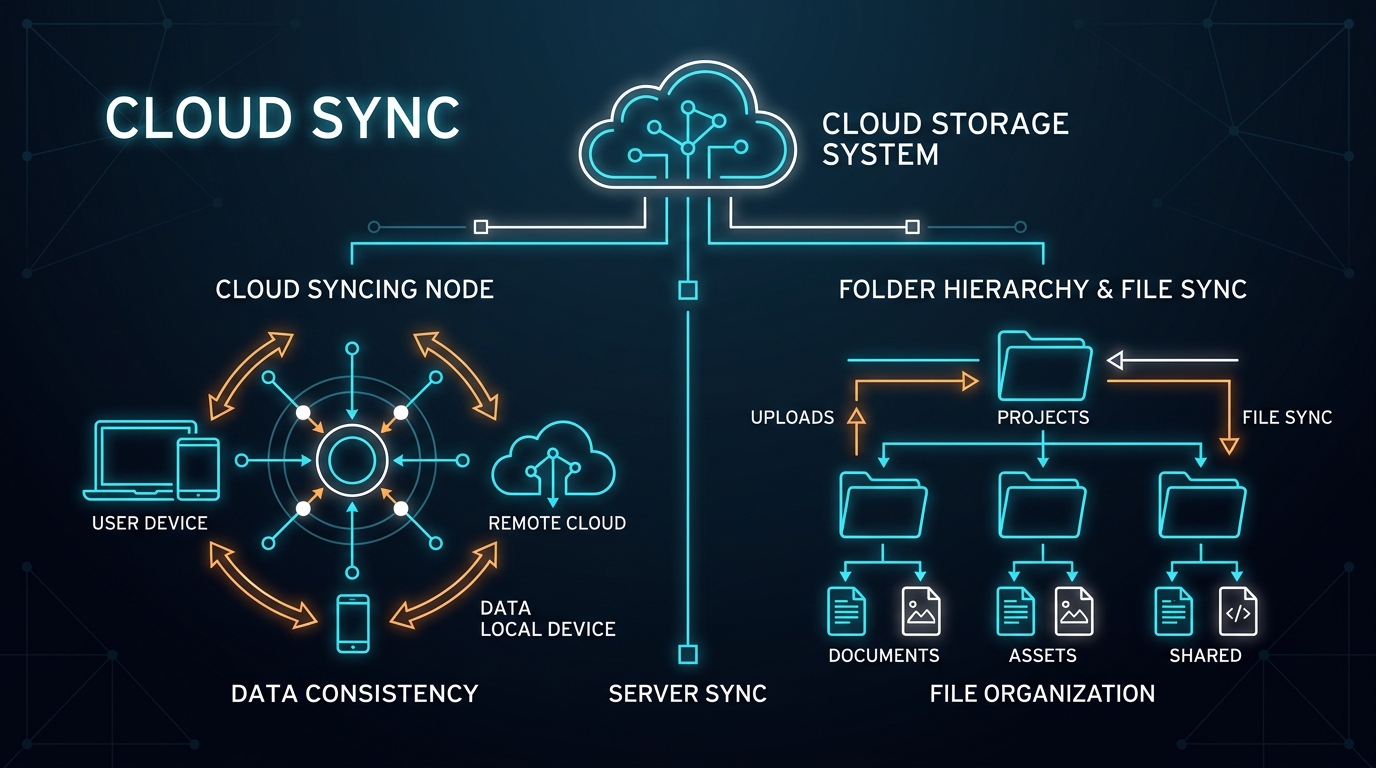
Best Cloud Storage for Freelancers: Google Drive vs Dropbox vs OneDrive
Which cloud storage provider is best for freelance asset storage, delta sync speeds, and painless client file sharing? We compare Google Drive, Dropbox, and OneDrive.
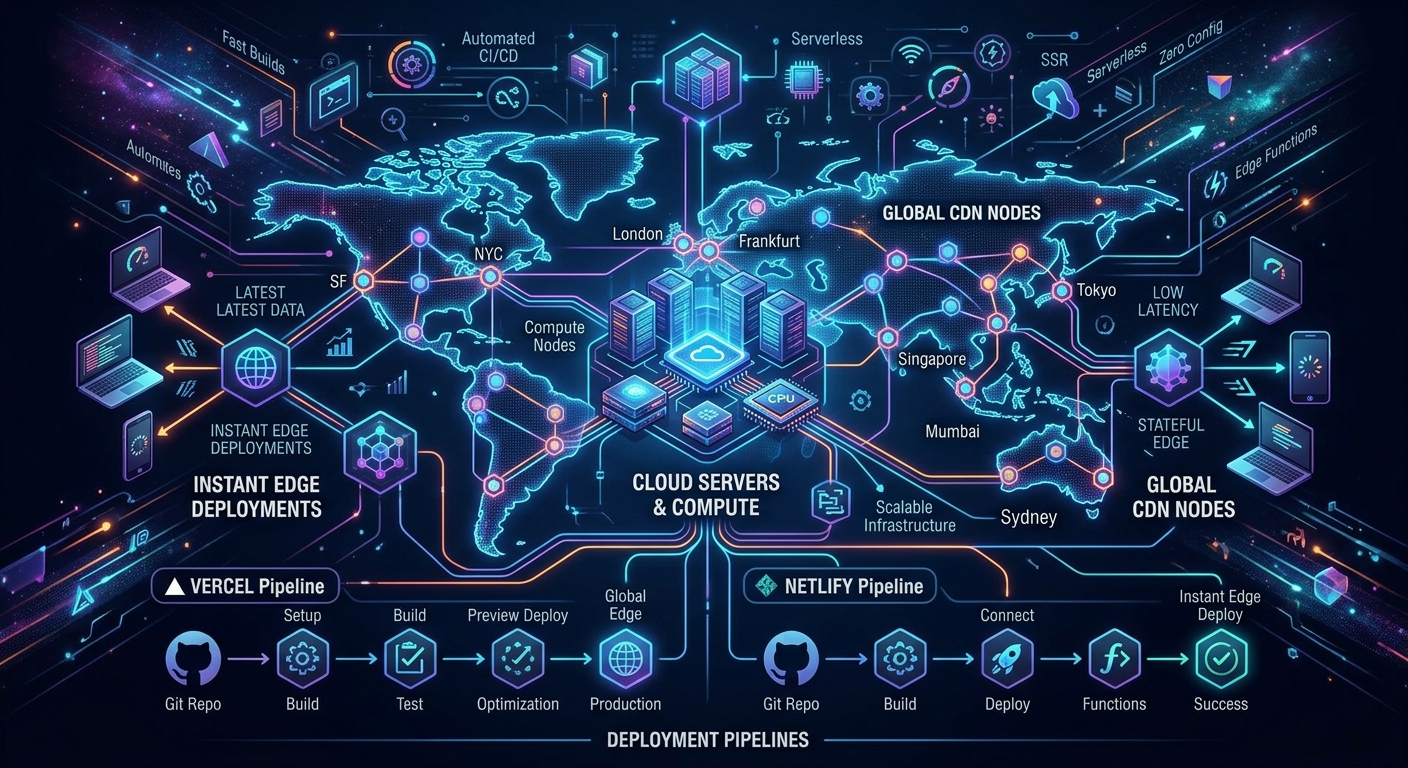
How to Set Up a Zero-Maintenance Freelance Hosting Stack
Stop rebooting client Linux servers on weekends. Learn how freelance web developers use Vercel, Netlify, and Cloudflare to build zero-maintenance hosting stacks.