Best Screen Recording & Video Tutorial Tools for Freelancers in 2026
A single two-minute screen recording can replace a thirty-minute client call. Whether you are recording bug reports, onboarding walkthroughs, or async project updates, the right screen recording tool saves hours every week.
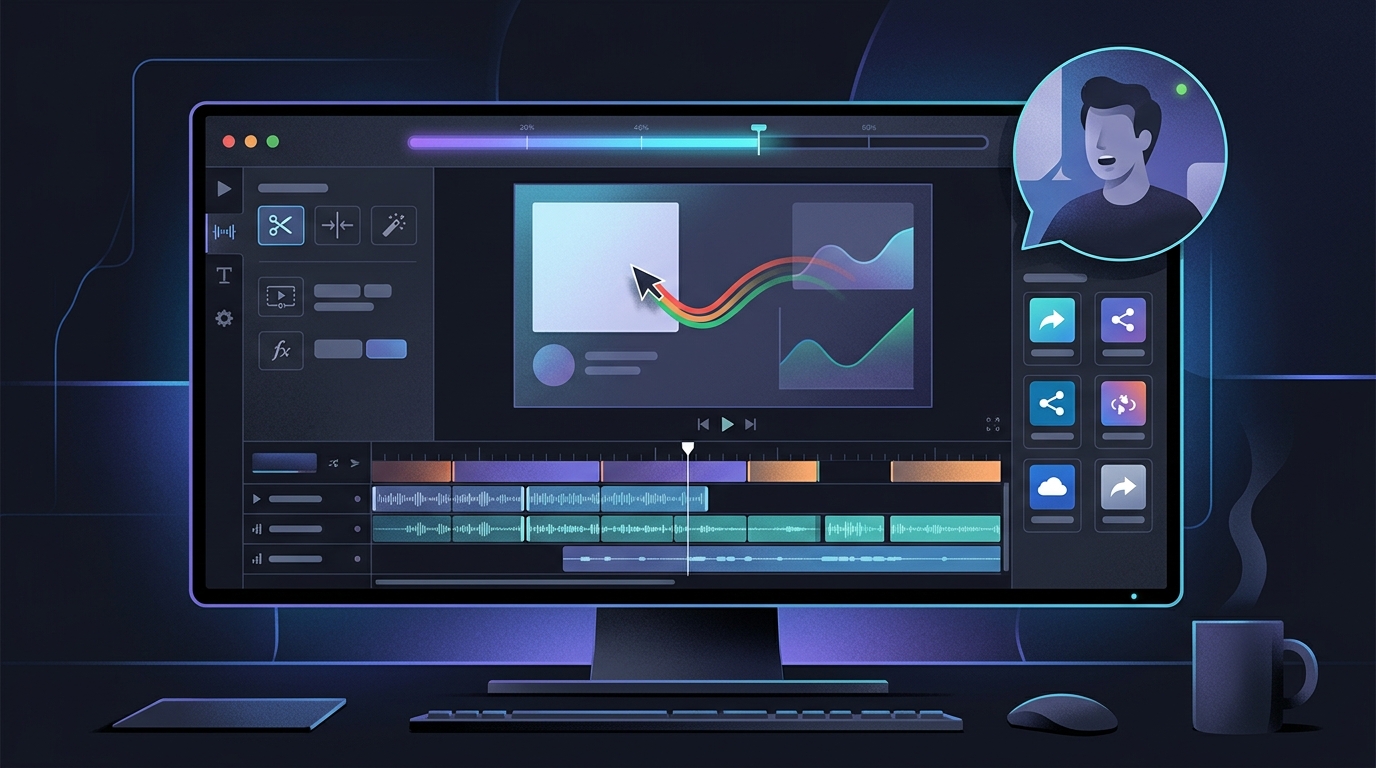
TABLE OF CONTENTS (27 SECTIONS)TAP TO EXPAND
- Why Screen Recording Is a Core Freelance Skill
- Quick Comparison: Best Screen Recording Tools for Freelancers
- 1. Screen Studio: The Cinematic Standard for macOS Freelancers
- What Makes Screen Studio Different
- Best Freelance Use Cases
- Key Limitation
- 2. Loom: The Fastest Path From Recording to Shared Link
- Why Freelancers Rely on Loom
- Free Plan Limitations
- Best Freelance Use Cases
- 3. Tella: The Polished Middle Ground
- What Tella Does Well
- Pricing
- Best Freelance Use Cases
- 4. OBS Studio: The Free Power User Option
- Where OBS Studio Excels
- The Honest Trade-off
- 5. CleanShot X: The Best macOS Screenshot and Short-Capture Tool
- What CleanShot X Does
- Key Limitation
- Choosing the Right Screen Recording Workflow
- The Recommended Async Video Stack for Most Freelancers
- Frequently Asked Questions
- Do I need to upload my recordings to a cloud service?
- How do I handle client privacy when recording sensitive staging environments?
- What resolution should I record at for client walkthroughs?
- Can I use screen recording to replace onboarding calls entirely?
Why Screen Recording Is a Core Freelance Skill
Every freelancer spends a disproportionate amount of time on communication overhead: explaining the same staging site issue for the third time, re-describing a design decision that the client did not understand in a written email, or walking a new client through a software tool they have never used.
A well-recorded screen walkthrough collapses hours of back-and-forth into a single, precise, replayable video. Clients can pause at the exact frame where they have a question, share it with a colleague without scheduling a group call, and reference it weeks later during handoff.
But “screen recording” covers a wide spectrum of use cases:
- Bug reporting: A 45-second recording of a broken checkout flow tells a developer more than a 500-word bug ticket.
- Client walkthroughs: Walking a client through a live staging site before their review call prepares them faster than a lengthy written guide.
- Onboarding tutorials: Recording a CMS walkthrough for a client’s team once eliminates ten “how do I do X?” support requests.
- Async project updates: Replacing a weekly status call with a three-minute narrated screen recording saves 25 minutes per client per week.
- Proposal demos: Embedding a recorded prototype walkthrough into a proposal dramatically increases conversion rates.
The tool you choose should match your primary use case. Here is a clear breakdown of the best options in 2026.
Quick Comparison: Best Screen Recording Tools for Freelancers
| Tool | Platform | Free Plan | Best For | Instant Shareable Link | Webcam Support | Cursor Effects |
|---|---|---|---|---|---|---|
| Screen Studio | macOS only | No (one-time purchase) | High-quality tutorials & portfolio demos | Via upload | Yes | Yes (animated zoom) |
| Tella | macOS, Windows, Browser | Yes (limited) | Async client updates & onboarding | Yes (instant) | Yes | Basic |
| Loom | macOS, Windows, Browser | Yes (5 min/video limit) | Async messaging & quick feedback | Yes (instant) | Yes | Basic highlight |
| OBS Studio | macOS, Windows, Linux | 100% Free & Open Source | Livestreaming & complex recordings | No (manual export) | Yes | No |
| CleanShot X | macOS only | No (one-time purchase) | Screenshots & short screen captures | Yes (cloud upload) | No | No |
1. Screen Studio: The Cinematic Standard for macOS Freelancers
Screen Studio is an opinionated screen recording application for macOS. It does not try to be an async messaging platform or a livestreaming tool. It does one thing exceptionally well: producing polished, professional-looking recordings with minimal effort.
What Makes Screen Studio Different
The core innovation in Screen Studio is its automatic zoom and tracking engine. As you click and type during a recording, Screen Studio automatically applies smooth, cinematic zoom-in and zoom-out animations that highlight your cursor position. The result looks like a professionally edited tutorial video without any post-production work.
Additional capabilities worth noting:
- Animated window backgrounds: Recordings automatically get a clean, blurred background with rounded app-window corners, making your screen look polished even if your desktop is cluttered.
- Webcam integration: A floating webcam bubble can be included in recordings, with automatic portrait background removal.
- Flexible export: Export to
.mp4at up to 4K resolution. - One-time pricing: Unlike subscription-based tools, Screen Studio uses a one-time purchase model. Check the official Screen Studio website for current pricing.
Best Freelance Use Cases
Screen Studio is ideal for tutorial content you will reuse: CMS onboarding walkthroughs, portfolio demos, course content, and software documentation videos. The production quality justifies more formal recordings rather than quick async messages.
Key Limitation
Screen Studio is macOS-exclusive. Windows and Linux freelancers cannot use it. It also does not provide an instant browser-shareable link the way Loom does—you export the file and host it yourself or upload to a separate service.
2. Loom: The Fastest Path From Recording to Shared Link
Loom is the dominant async video messaging platform for professional work. Its singular strength is speed: you click record, speak your message, stop, and within seconds you have a shareable browser link you can paste into any email, Slack channel, or client portal.
Why Freelancers Rely on Loom
- Instant delivery: Loom generates a shareable link while your recording is still uploading. You do not wait for processing.
- Browser-based viewer: Clients watch directly in their browser without installing anything or creating an account. This eliminates client friction entirely.
- Viewer engagement data: You can see if the client actually watched your video, how many times, and where they paused or re-watched.
- Timestamped comment threads: Clients can leave comments at specific moments in the video, turning a one-way recording into a structured feedback thread.
- Transcript & captions: Loom auto-generates transcripts, making recordings searchable and accessible.
Free Plan Limitations
Loom’s free plan limits individual video length to 5 minutes and applies a Loom watermark on the player. For quick async updates, this is usually sufficient. Check Loom’s website for current Business plan pricing, which removes limits and adds custom branding.
Best Freelance Use Cases
Quick async updates, code review explanations, design feedback responses, bug walkthroughs, and any communication where you want the client to see exactly what you are seeing without scheduling a live call. Loom integrates naturally with your broader freelance communication workflow.
3. Tella: The Polished Middle Ground
Tella occupies the space between Loom’s raw speed and Screen Studio’s production quality. It produces notably more polished recordings than Loom out of the box while still providing the instant-shareable-link workflow that makes async video practical.
What Tella Does Well
- Multi-scene recordings: Switch between scenes (screen only, webcam only, split screen) mid-recording for more engaging client presentations.
- Built-in background blur: Apply soft background blur to webcam feeds without a green screen.
- Branded video pages: Tella generates a hosted video page with your brand colors and logo, which looks significantly more professional than a default Loom link when presenting proposals.
- Chapter markers: Add chapters to longer recordings so clients can jump to the relevant section without scrubbing.
- Cross-platform: Tella works on macOS, Windows, and via a browser extension.
Pricing
Tella offers a free plan with limited video storage. Check Tella’s website for current paid plan pricing, which unlocks unlimited storage and custom domain features.
Best Freelance Use Cases
Client proposal demos, complex project walkthroughs where visual polish matters, and onboarding videos you will reuse across multiple client engagements.
4. OBS Studio: The Free Power User Option
OBS Studio (Open Broadcaster Software) is the industry standard for livestreaming and complex screen capture scenarios. It is 100% free, open source, and runs on macOS, Windows, and Linux.
Where OBS Studio Excels
- Zero cost forever: No watermarks, no storage limits, no recording length restrictions.
- Multi-source composition: Compose multiple video sources simultaneously—screen capture, webcam, external camera—in a single frame.
- Local recording: Everything records locally to your hard drive. Ideal for high-security client work where uploading to SaaS platforms is restricted by NDA.
- Custom scenes: Switch between pre-configured recording layouts mid-session using hotkeys.
The Honest Trade-off
OBS Studio is designed for broadcast professionals. It does not have auto-zoom, cursor tracking, animated backgrounds, or instant shareable links. For a freelancer who records one or two client walkthroughs per week, the setup overhead rarely justifies the zero cost.
OBS is the right choice if your client contracts prohibit cloud upload of recordings, you produce complex multi-camera tutorial content, or you need the maximum possible control over recording parameters without a monthly subscription.
5. CleanShot X: The Best macOS Screenshot and Short-Capture Tool
CleanShot X is not a full-featured screen recorder in the traditional sense—it is the best all-in-one screenshot and short screen capture utility available on macOS. It belongs in this comparison because many freelancers use it for the short-form recording use case (annotated screenshots, short GIFs, 30-second MP4 captures) that does not warrant opening a dedicated recording application.
What CleanShot X Does
- Annotated screenshots: Capture and immediately annotate with arrows, text boxes, highlights, and redactions before sharing.
- Short GIF/video capture: Record brief screen segments as animated GIFs or MP4 files for embedding in GitHub issues, Slack messages, or email threads.
- CleanShot Cloud: Instantly upload captures to CleanShot’s CDN and receive a shareable link in seconds.
- Scrolling capture: Capture entire long web pages or document scrolls in a single image.
- One-time license: CleanShot X uses a one-time purchase model. Check the CleanShot X website for current pricing.
Key Limitation
CleanShot X does not support full-length narrated recordings with webcam, async video messaging, or viewer analytics. It fills a different niche: replacing native macOS screenshot workflows with something dramatically more powerful for precise bug reporting and visual feedback.
Choosing the Right Screen Recording Workflow
| Situation | Recommended Tool |
|---|---|
| Quick async update to a client (any platform) | Loom |
| Polished async video with branded player | Tella |
| Reusable tutorial or portfolio demo (macOS) | Screen Studio |
| Complex multi-scene recording or local-only output | OBS Studio |
| Annotated screenshots and short bug clips (macOS) | CleanShot X |
| Windows/Linux + polished async | Tella or Loom |
The Recommended Async Video Stack for Most Freelancers
For the majority of independent consultants, the optimal setup is straightforward:
- Primary async tool: Loom (free for most use cases) or Tella (if branded player polish matters to your client base)
- Tutorial production: Screen Studio (macOS) for high-quality reusable content
- Quick visual bug reports: CleanShot X (macOS) or Loom for rapid annotated clips
Combine this with your freelance communication tools, AI meeting assistants, and scheduling apps to build a complete async-first client communication system that reduces live call volume without reducing client confidence.
Frequently Asked Questions
Do I need to upload my recordings to a cloud service?
Not necessarily. OBS Studio records locally by default. CleanShot X and Screen Studio both support local export. However, for client-facing async video, browser-accessible links dramatically reduce friction—clients do not download files or install apps.
How do I handle client privacy when recording sensitive staging environments?
Ensure your screen recording tool does not auto-upload recordings to shared organizational accounts. Use private or personal workspace accounts. For highly sensitive client environments, use OBS Studio with local recording only, then deliver recordings via secure cloud storage with expiring access links.
What resolution should I record at for client walkthroughs?
1080p (1920x1080) is sufficient for almost all client walkthroughs and tutorial recordings. Recording at 4K produces large files that slow upload and create buffering issues for clients on average internet connections.
Can I use screen recording to replace onboarding calls entirely?
For repeatable onboarding content—such as walking new clients through a CMS, introducing a project management tool, or explaining your revision process—yes. A well-produced onboarding video you record once and reuse across all new clients is significantly more efficient than delivering the same live call twenty times per year.
WHAT WE APPRECIATED (PROS)
- ✓Replace lengthy client calls with precise, replayable async video walkthroughs
- ✓Cursor effects and zoom animations eliminate the need for post-production editing
- ✓Instant shareable links accelerate client feedback cycles dramatically
- ✓Most tools require zero video editing expertise to produce professional output
DRAWBACKS & FRICTION (CONS)
- ✕Platform-specific tools like Screen Studio and CleanShot X are macOS-only
- ✕Free plans often watermark recordings or restrict video length and storage
- ✕Large video file exports can strain cloud storage quotas and client bandwidth
Best Screen Recording & Video Tutorial Tools for Freelancers in 2026 Rating Breakdown
Freelance developers, designers, and consultants who record software tutorials, bug walkthroughs, client onboarding videos, and async project updates.
Screen Studio is our top pick for macOS freelancers who need cinematic-quality tutorial recordings with zero post-production effort. Loom remains the most practical async communication tool for client-facing video messaging. OBS Studio is the only genuinely capable free option for power users comfortable with a steeper setup curve.
EVALUATION METRICS
Speed of setup, friction in daily operations, and intuitive mental model for non-enterprise users.
Utility of capabilities without unnecessary enterprise bloat that slows down solo execution.
Return on investment for a single seat, clear billing tiers, and fair feature gates.
Uptime track record, offline resilience, and friction-free portable data export.
Specific suitability for client collaboration, single-seat economics, and lean overhead.
Frequently Asked Questions
Is screen recording better than scheduling a live client call?+
For information delivery—such as explaining a design decision, walking through a staging site, or demonstrating a bug—a short recorded video is almost always superior. Clients can rewatch it at their own pace, pause at critical moments, and share it with colleagues without scheduling a group call. Live calls are better reserved for two-way brainstorming and negotiation.
What is the difference between Loom and Screen Studio for freelancers?+
Loom is optimized for instant async communication: you record, share a link, and the viewer watches in their browser without downloading anything. Screen Studio is optimized for production quality: it produces polished recordings with animated zoom, cursor effects, and smooth window backgrounds suitable for tutorials, portfolio demos, and course content.
Can I use OBS Studio for professional client recordings as a freelancer?+
Yes, but OBS Studio has significant setup overhead that most freelancers find disproportionate for short client walkthroughs. It excels at live streaming and complex multi-scene broadcast productions. For simple async messaging, Loom or Tella will get you from recording to shared link in under 90 seconds.

Freelance Tool Guide Team
The editorial team behind Freelance Tool Guide, independently researching and testing software for freelancers and small teams.
More Independent Software Analyses
Best Freelance Communication Tools in 2026
Master client messaging without constant interruptions. We compare Slack, Loom, Twist, Zoom, and async communication tools for freelancers.
Best Client Portal Software for Freelancers in 2026
Centralize client files, deliverables, messaging, and approvals. We evaluate the best client portal software for solo freelancers and boutique studios.
Best AI Meeting Assistants for Freelancers in 2026
Capture client action items without missing a word. We compare the best AI meeting note-takers, recorders, and transcription tools for freelancers.